
Seedance 2.5 AI Video Generator

Direct longer, more coherent audio-video stories with richer multimodal references and finer editing control. Seedance 2.5 is built for creators who need a complete sequence, not just an isolated clip.

315

What changed

From short clip generation to complete visual storytelling

Seedance 2.5 extends the Seedance 2.0 multimodal audio-video architecture with longer single-pass output, broader reference control, and targeted editing. The result is a model better suited to connected stories, demanding art direction, and production-style iteration.

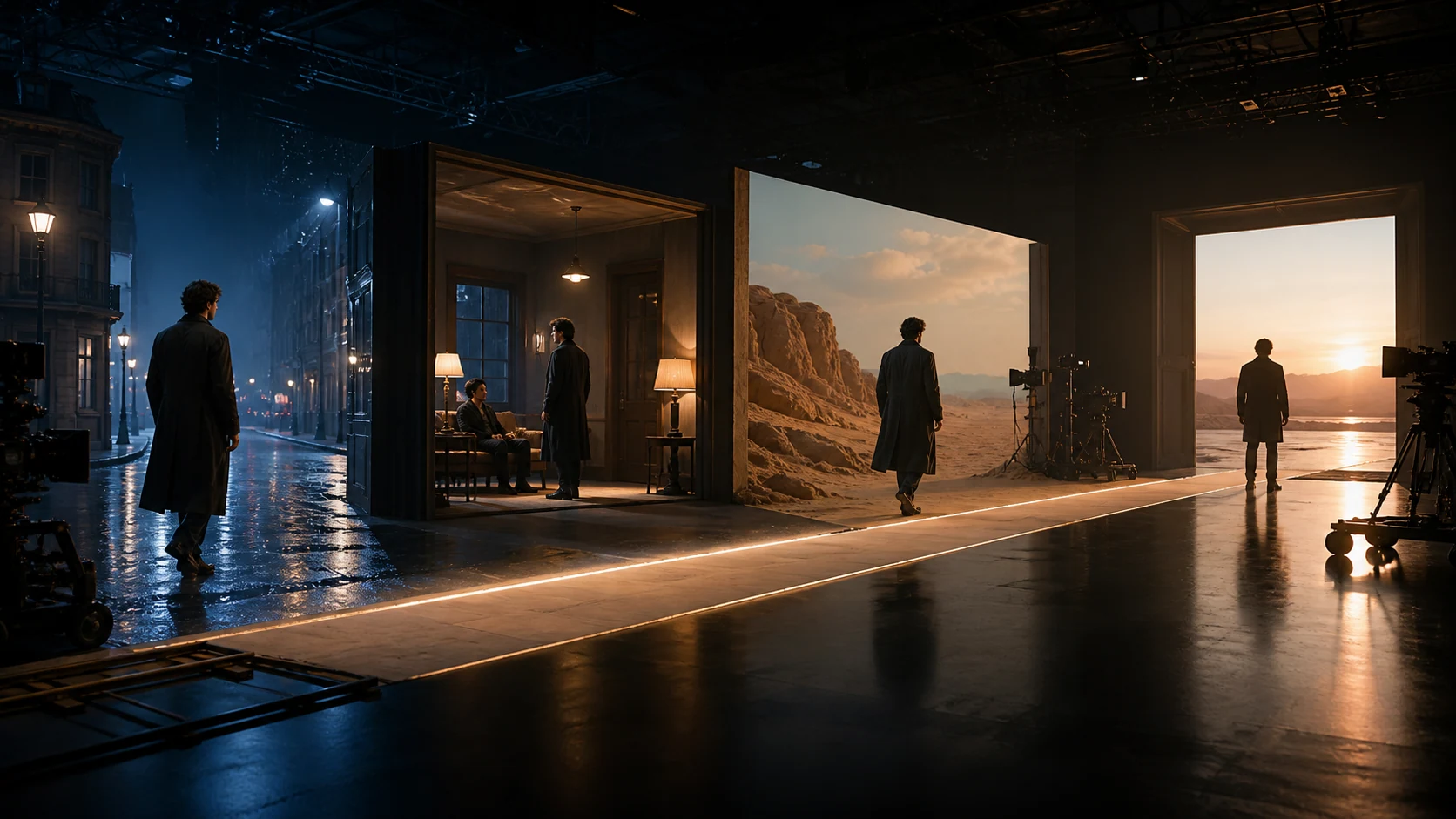
Connected cinematic shots illustrating a Seedance 2.5 long-form video workflow

Long-form planning works best when every time range has a clear visual and audio purpose.

01

30-second single-pass storytelling

ByteDance says the model reaches its official maximum single-pass duration with stronger transitions and scene continuity than the previous generation. Multi-round extension can carry a story beyond the initial clip.

02

A much larger official reference canvas

The official model accepts a broad combination of image, video, and audio references in a single pass. This workspace uses the upload limit shown in the generator, so prioritize the references that control identity, motion, camera, environment, and sound.

03

Timestamp-aware generation and editing

Direct actions, cuts, camera moves, and sound by time range. Official editing capabilities also cover targeted subject or plot changes, green-screen replacement, camera-perspective edits, and reference-guided revisions.

04

More natural picture, motion, and sound

The 2.5 update focuses on texture, skin and eye detail, lighting, restrained color, motion quality, and cleaner audio behavior while acknowledging that complex physics and multi-subject interaction can still fail.

Best-fit work

Three Seedance 2.5 stories, three production demands

Official Seedance 2.5 showcases demonstrate choreographed performance, material-rich product cinematography, and a longer atmospheric scene.

00:15
01 / 03

Choreography with graphic precision

00:15

Black-and-white performers, sculptural costumes, and mirrored timing stay legible across a tightly directed fashion sequence.

Production method

Build a 30-second brief the model can actually follow

Longer video creates more room for story—and more room for ambiguity. Give each reference and time range one clear job.

  1. 01

    Define the story spine

    Write the opening state, change, climax, and final image before describing lenses or effects. A clear causal sequence protects coherence.

  2. 02

    Assign every reference

    Name which file controls character identity, wardrobe, setting, action, camera motion, lighting, visual style, voice, or rhythm.

  3. 03

    Direct with timestamps

    Split the prompt into ranges such as 0–6s, 6–14s, and 14–20s. Specify subject action, framing, camera behavior, and audio for each range.

  4. 04

    Preserve before changing

    For extensions or edits, list what must remain stable first, then isolate the specific element that should change. Review continuity at every boundary.

Prompt blueprint

Use time as a creative control layer

A strong Seedance 2.5 prompt reads like a compact director's treatment: global art direction first, timed beats second, preservation rules last.

20-second prompt structure

GLOBAL — 16:9 cinematic realism, restrained color, natural motion, preserve the lead from @Image 1 and the location from @Video 1. 0–5s — Close-up, slow push through rain, the lead looks toward the station clock. Footsteps and distant traffic. 5–13s — Track beside the lead entering the crowd; maintain face, coat, and lighting direction. No cuts. 13–20s — Arc to a wide reveal of the departing train, then hold on the final silhouette. Music rises softly; no text or subtitles.

  • Global continuity

    State the aspect ratio, visual language, characters, world, and elements that never change.

  • Timed beats

    Give each range a main action, shot size, camera move, and audio event.

  • Reference roles

    Use explicit assignments such as identity, motion, composition, material, voice, or pacing.

  • Negative direction

    Prevent unwanted captions, extra characters, abrupt cuts, uncontrolled music, or identity drift.

Choose with intent

Compare every Seedance 2 model

Start with the job, not the version number. Compare quality, turnaround, workspace limits, and ideal use cases before spending credits on a full run.

Seedance 2.5Long-form, reference-heavy storytelling
Best for
Hero films, narrative sequences, complex edits
Visual target
Highest fidelity and continuity
Turnaround
Quality-first
Duration
4–30 seconds in this workspace
Resolution
480p, 720p, or 1080p
Reference limits
Up to 50: 30 images, 10 videos, and 10 audio files
Relative credits
Highest
Seedance 2.0 MiniEconomical drafts and rapid variation
Best for
Prompt tests, social variants, batch concepts
Visual target
Efficient everyday output
Turnaround
Fastest
Duration
4–15 seconds
Resolution
480p or 720p
Reference limits
Up to 9 images, 3 videos, and 3 audio files
Relative credits
Lowest
Seedance 2.0Balanced quality and multimodal control
Best for
Cinematic shots, motion, polished social video
Visual target
High, balanced fidelity
Turnaround
Standard
Duration
4–15 seconds
Resolution
480p, 720p, 1080p, or 4K
Reference limits
Up to 9 images, 3 videos, and 3 audio files
Relative credits
High

Selection guide

Use 2.5 for the final sequence—not every first draft

Match model cost and latency to the decision you are trying to make. A staged workflow usually produces more useful final shots per credit.

Choose Seedance 2.5

Best when you need longer connected storytelling, many reference roles, character and scene continuity, or precise timeline-level direction.

Create with 2.5

Prototype with Mini first

Validate the concept, framing, and prompt language with lower-cost variations, then move the strongest direction into the 2.5 workflow.

Explore Seedance 2.0 Mini

Know the remaining limits

Even 2.5 can miss complex physical interactions or lose stability across crowded scenes. Reduce simultaneous actions, use cleaner references, and regenerate critical beats separately.

Create the complete sequence

Turn a detailed brief into a coherent story

Start with one strong narrative spine, assign every reference a role, and let Seedance 2.5 carry the visual and audio language across the full sequence.