
/ 01
Text-to-image generation
Give Seedream 5 Pro a concrete brief for your character or setting. Specify the subject, framing, light, and details that the image needs to communicate.
explore →
Make your story easier to picture on Seedance 2.0. Seedream 5 Pro lets you explore character portraits, setting concepts, and reference-led scene edits in a dedicated image workspace.
A plan or credit pack unlocks this model. Images start at 7 credits each; review the total before generating.
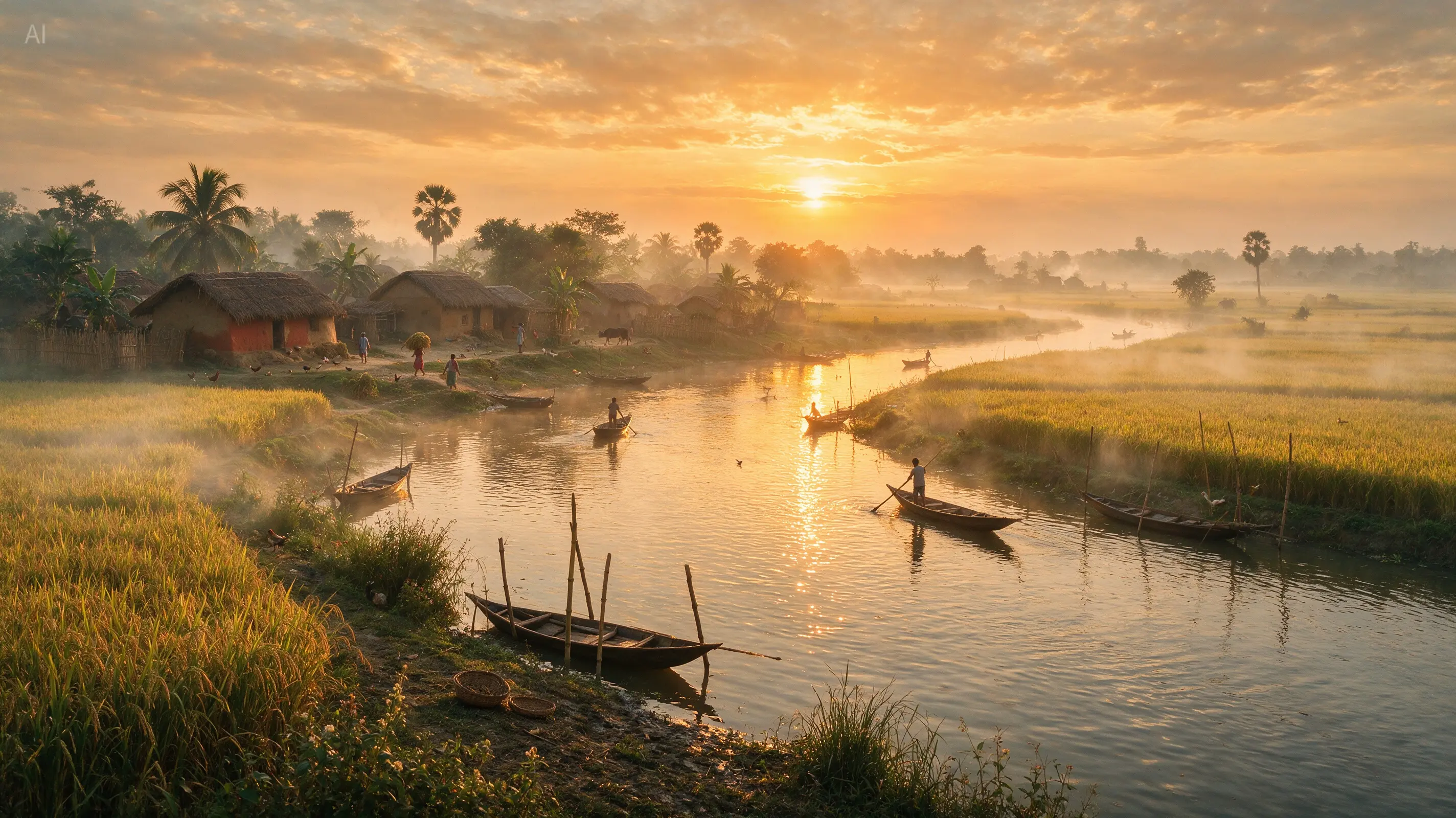
Explore 18 images from ByteDance’s official showcase, including product pages, typography, portraits, and illustrations. Open each example to inspect the composition and details before planning your own prompt.
Generate an image from a text prompt or use reference images to guide an edit. Control the resolution, aspect ratio, and export format in the same workspace.
Give Seedream 5 Pro a concrete brief for your character or setting. Specify the subject, framing, light, and details that the image needs to communicate.
Guide Seedream 5 Pro with references for the subject, setting, or style. For example: move the lighthouse keeper indoors while preserving the navy coat, brass lantern, and facial features. Describe what should remain fixed while you change one part of the image.
Explore prompts at 1K, then choose 2K when your design needs more resolution. Set the output quality before each generation and inspect the result at full size.
Choose 1:1, 4:3, 3:4, 16:9, 9:16, 2:3, 3:2, or 21:9. Export the result as PNG or JPEG for your next design step.
Use Seedream 5 Pro to explore who inhabits your story and where it takes place. Review a small set of carefully described images before expanding the visual world.
Define clothing, expression, age range, and key accessories. Compare each result with your brief before choosing a portrait to guide later images.
Explore a harbor, workshop, or interior around the needs of a scene. Specify the time of day, scale, materials, and objects that reveal the setting.
Ask Seedream 5 Pro to explore a quieter or more dramatic atmosphere while references guide the subject. Inspect identity and composition after each change.
Choose images that explain a character goal, a setting, or a key moment. Keep the sequence readable and verify recurring details across separate generations.
The AI image generator above has this model selected. Follow four steps to write your prompt, add references, choose output settings, and download your result.
Introduce the character, location, and story moment. Separate the visual anchors to preserve from the atmosphere you want to explore.
Upload up to 10 JPG, PNG, or WebP images, each up to 30 MB. Explain which image defines the subject, palette, composition, or style.
Choose one of eight aspect ratios, 1K or 2K resolution, and PNG or JPEG output. Check the total credits before generating.
Review facial features, clothing, props, and spatial layout against the references. Download a useful image or revise a specific mismatch.
Unlock the model with a plan or credit pack. Image generation starts at 7 credits for 1K or 14 credits for 2K; additional references and multiple outputs change the total.
Text-to-image generation or an edit with one reference costs 7 credits per output at 1K.
Choose 2K for higher-resolution output. Text-to-image generation or an edit with one reference costs 14 credits per output.
The first reference adds no extra cost. Each additional reference adds 1 credit per output, with up to 10 references supported.
A 1K image with three references costs 9 credits. Two outputs with those settings cost 18 credits. The workspace shows the total before you generate.
Answers about online image generation, reference images, 2K output, prompts, and pricing on Seedance 2.0.
Also known as Seedream 5.0 Pro, it is ByteDance’s AI image model for text-to-image generation and reference-based image editing. On Seedance 2.0, it supports 1K and 2K output, eight aspect ratios, and PNG or JPEG export.
Use the image generator at the top of this page. Sign in and purchase a plan or credit pack to unlock the model, then enter a prompt or upload references. Choose your output settings and check the credit total before generating.
You can upload up to 10 reference images for image-to-image editing. Supported formats are JPG, PNG, and WebP, with a maximum size of 30 MB per image. Describe the role of each reference in your prompt.
This workspace offers 1K and 2K image generation, with no 4K or automatic aspect ratio option. Choose from eight ratios: 1:1, 4:3, 3:4, 16:9, 9:16, 2:3, 3:2, or 21:9. Both resolutions can be exported as PNG or JPEG.
Each output starts at 7 credits for 1K or 14 credits for 2K. The first reference is included; each additional reference adds 1 credit per output. For example, a 2K image with three references costs 16 credits. Multiply the per-image amount by the number of outputs.
Seedream 5 Pro requires paid access on Seedance 2.0. Purchase a plan or credit pack to unlock the model. Free account credits alone do not unlock it, and each generation still consumes credits.
For example: move the lighthouse keeper indoors while preserving the navy coat, brass lantern, and facial features. State which reference defines the character and which defines the room, then review continuity in the result.
PNG is an available export format, but choosing it does not guarantee a transparent background. This workspace has no dedicated transparency control for this model. Inspect the downloaded image before using it in a layered design.
Start with a character or a place. Add references where useful and generate a still image that helps you decide what your story should look like.