
An accelerated Seedance 2.0 path
Fast is designed to improve generation speed for low-latency use cases. Treat it as the production-speed tier between the lowest-cost Mini workflow and the quality-first standard or 2.5 options.
Shorten the create-review-refine loop without reducing the brief to a basic prompt. Seedance 2.0 Fast is built for low-latency previews, frequent publishing, and production teams that still need multimodal control and native sound.
Low-latency tier
The official technical report identifies the Fast variant as an accelerated model created for low-latency scenarios. In this workspace it supports the core control paths creators expect—text, frames, multimodal references, camera direction, and optional audio—with a faster positioning than the standard model.
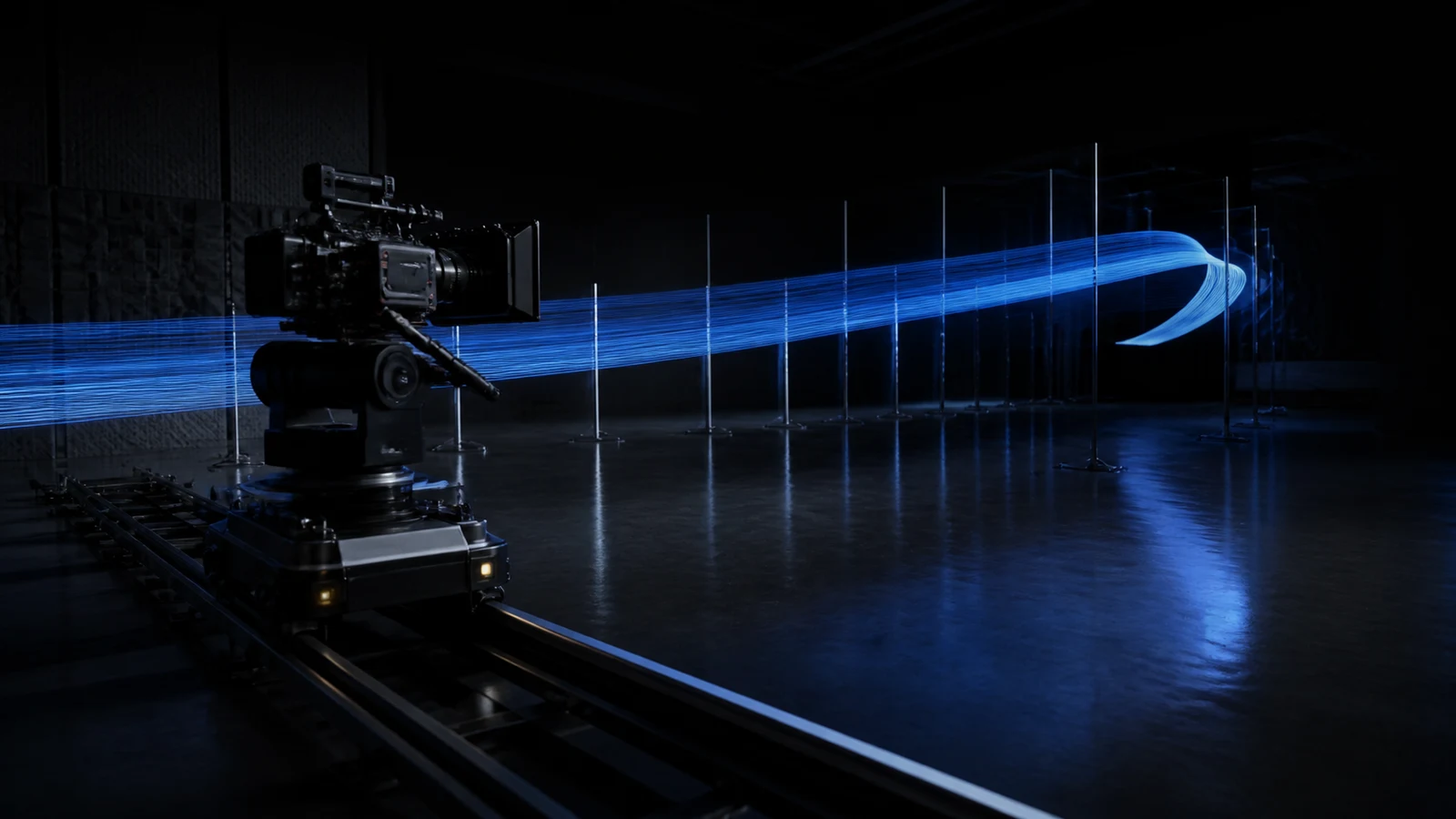
Fast review cycles are most valuable when the team agrees on what each round must prove.
Fast is designed to improve generation speed for low-latency use cases. Treat it as the production-speed tier between the lowest-cost Mini workflow and the quality-first standard or 2.5 options.
Start from text, animate an opening frame, define opening and closing frames, or use mixed image, video, and audio references. Select the appropriate upstream control mode rather than combining incompatible frame and reference modes.
Direct camera paths, stable lens behavior, ambience, effects, and music instead of treating a faster model as a disposable visual-only preview tool.
This workspace exposes 4-to-15-second duration, 480p and 720p output, and up to 15 reference files. Use the standard Seedance 2.0 page when the 1080p workspace option is essential.
Best-fit work
Official Seedance 2.0 clips cover atmospheric realism, social-first camera language, and readable action at speed.
A quiet storefront shot tests reflections, signage glow, interior depth, and believable weather in one reviewable pass.
Review rhythm
Low latency only improves production when review criteria are explicit. Decide what must be proven before pressing generate.
01
Choose the one priority for the round: subject identity, motion, framing, pacing, sound, or the final composition.
02
Use only assets that change the answer. Assign a role to every uploaded image, clip, or audio file to reduce conflicting direction.
03
Check the clip at the aspect ratio and approximate size where it will be used. A mobile social preview needs different scrutiny than a wide presentation.
04
Keep successful Fast output when it meets the need. Move only continuity-critical or high-visibility shots to the standard or quality-first model.
Prompt blueprint
Put the subject and action first, then camera, timing, sound, and final-frame criteria. A faster run should still have a clear definition of done.
Production-speed prompt
LANDSCAPE CLIP — Preserve the red tram from the supplied image and the hillside route from the supplied video. ACTION — Track beside the tram through light morning mist, then rise smoothly into a wide reveal near the end. CAMERA — Stable lateral tracking, no shake, one continuous move. AUDIO — Wheels on rail, soft wind, restrained cinematic rise. FINISH — Hold the tram in the lower-left area for the final beat. No text, crowds, or abrupt cuts.
Subject and action
Name the visual anchor and one readable action before adding atmosphere or style.
Camera path
Describe direction, speed, shot-size change, and whether cuts are allowed.
Review moment
Place the key reveal, transition, or product beat at a specific point in the clip.
Final frame
Define a stable ending that can support an edit, title card, or next shot.
Choose with intent
Start with the job, not the version number. Compare quality, turnaround, workspace limits, and ideal use cases before spending credits on a full run.
Selection guide
Fast is not automatically the cheapest or the highest-fidelity option. It is the strongest fit when a shorter feedback loop has real production value.
Best for client previews, news-responsive creative, frequent publishing, motion tests, and iterative production where turnaround matters.
Create with FastUse Mini when the goal is the lowest credit rate and a large number of controlled variations rather than a faster production-quality balance.
Compare Seedance 2.0 MiniInspect hands, faces, logos, object permanence, physical contact, transition boundaries, and audio timing. Faster output still needs human acceptance criteria.
Shorten the feedback loop
Give the model a measurable brief, keep every reference purposeful, and use Seedance 2.0 Fast where production time changes what your team can make.